
The following instructions are for all Macintosh computers running operating systems 7.5 and higher.
1. Go to the Apple menu, down to Control Panels and follow the arrow over and down to TCP/IP.
2. Click inside the Name server address box, highlight the old numbers, and change the numbers as shown above.
3. Now click the close box in the upper left corner.
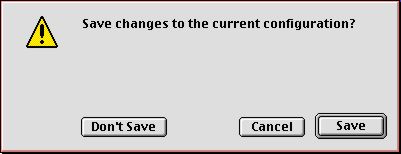
4. Click the Save button.
You did it! You're a genius.
If you have any questions or problems with this process, Netwood technical support can be reached at:
310-442-1530
You can also call Mike Mullen of MacMentor for Netwood connectivity support at:
310-455-7755
Back To MacMentor | Back to Netwood